

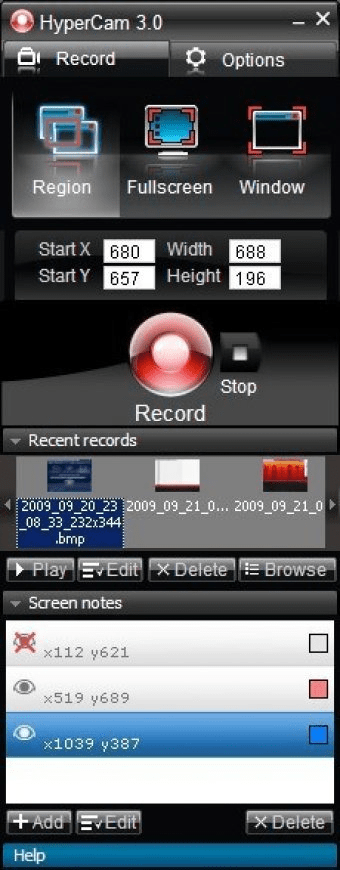
Capture your best gaming moments, make a video tutorial or save Skype conversation by creating a video of it. Capture active windows, specified regions or the entire screens, use screen overlays and create MP4, AVI or WMV files. The tool includes a video editor and the ability to create presentations.
HyperCam is screen cast and editing tool that is low-cost smart and easy to use piece of software. It is intended to record screen actions, video and sound being played back on PC and edit captured files. Creating video presentations, tutorials, movies or games recording for professional purposes or just for fun are simple tasks with HyperCam.
HyperCam captures cursor movements, menus selections, windows popping up, and everything else you see on the screen. Allow you to pan the recorded area around the screen. Optionally annotates recorded movies with text. Fast and lossless trimming and joining output AVI files gets available with HyperCam Media Editor.
Features
- Saving the records as .AVI files
- The built-in Media Editor
- Hotkeys to start, to pause, to stop recording and to take snapshots
- Easy area selection
- Panning mode: the capture area follows the cursor
- Optional pop-up text boxes
- Optional sound recording
- Ability to disable cursor recording
- Ability to grab video in overlay mode



Comments